Social Selling
LinkedIn CRM: Organize Relationships for Social Selling
Learn how a LinkedIn CRM helps organize contacts, warm introductions, follow-ups, and relationship context for networking and social selling.


A large professional network can still be surprisingly hard to use. You remember that someone knows a founder, that a former colleague moved to a target account, or that a promising conversation needs a follow-up. But the context is scattered across LinkedIn messages, email threads, notes, and memory.
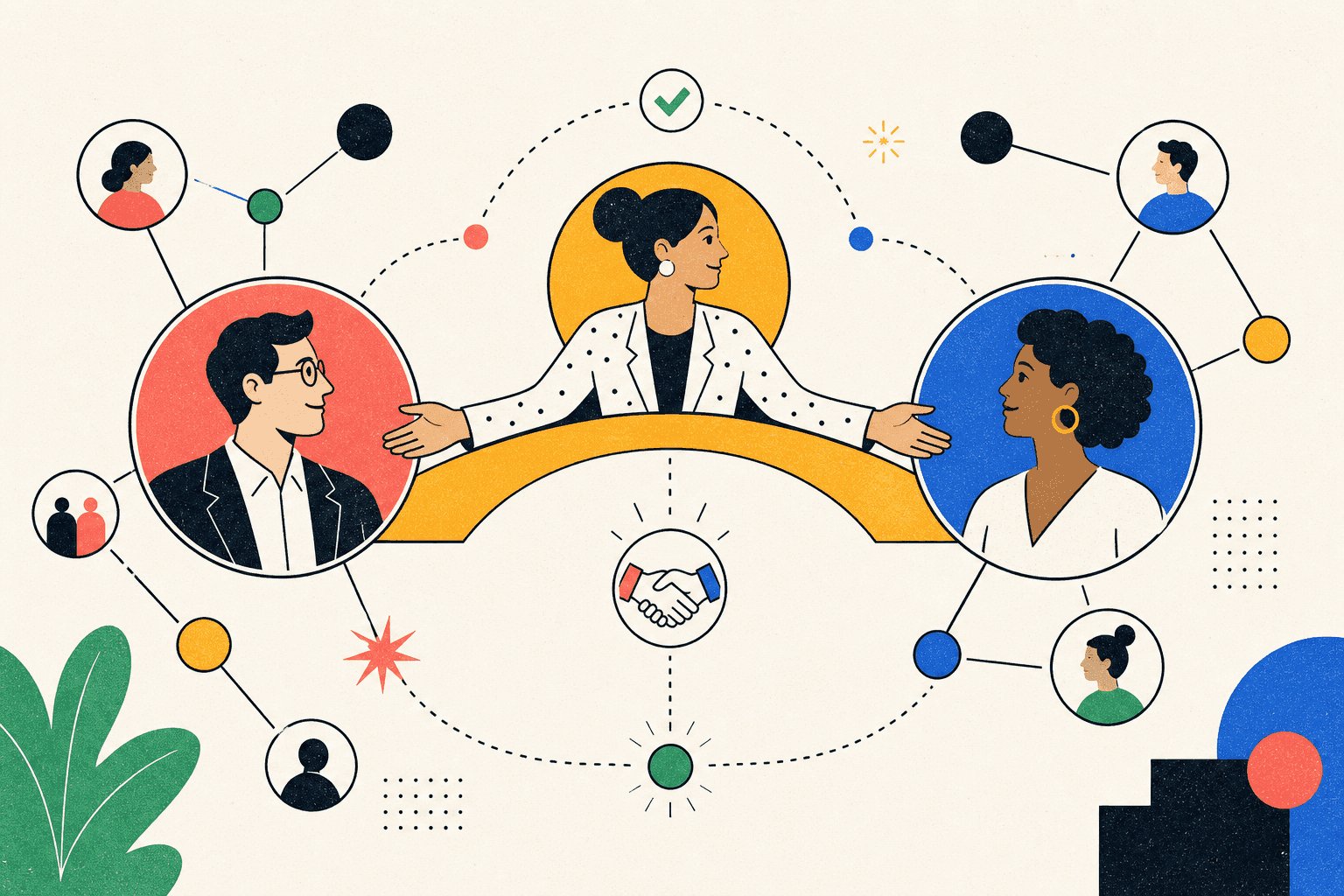
A LinkedIn CRM gives that relationship data a home. It helps you organize people, conversations, warm introduction paths, and next steps so networking becomes a repeatable practice instead of a series of forgotten interactions.
This guide explains how to use a LinkedIn CRM for social selling and professional networking without turning every relationship into a cold outreach sequence.
What is a LinkedIn CRM?
A LinkedIn CRM is a relationship management system built around the people and conversations in your professional network. It adds structure that LinkedIn alone does not provide: contact records, relationship context, tags, reminders, opportunity stages, and a searchable history of why each person matters.
The goal is not to replace LinkedIn. LinkedIn remains the place where many professional relationships begin and develop. The CRM becomes the operating layer behind those relationships.
A useful LinkedIn CRM should help you answer questions such as:
Who do I know at this company?
Which contacts have gone quiet and need a thoughtful follow-up?
Who can make a warm introduction?
What did we discuss last time?
Which relationships are connected to an active opportunity?
Why LinkedIn alone is not enough
LinkedIn is excellent for discovery and conversation, but its native experience is not designed to manage a relationship process across weeks or months. Messages move down the inbox. Notes live somewhere else. Important context depends on memory. A network with thousands of connections can become less useful as it grows because finding the right relationship at the right moment gets harder.
The problem is not a lack of contacts. It is a lack of organized context.
Your inbox is not a follow-up system
An inbox tells you what happened recently. It rarely tells you what should happen next. A CRM can attach a date, priority, stage, or next action to a relationship, making it easier to follow through without repeatedly scanning old conversations.
Connections are not the same as relationships
A connection count says very little about relationship strength. A former teammate, a customer you helped, and a person who accepted a request yesterday should not be treated as equivalent records. Relationship notes, interaction history, and shared context make those differences visible.
Professional relationships span more than one channel
Important conversations often move from LinkedIn to email, a video call, an event, or a private community. A useful system should preserve the story of the relationship even when the channel changes.
Who benefits from a LinkedIn relationship CRM?
LinkedIn relationship management is useful anywhere trust and timing influence outcomes. That includes much more than traditional sales.
Founders and consultants can track prospective clients, partners, advisors, and referral sources.
Sales and business development teams can coordinate account relationships, champions, decision-makers, and warm paths.
Recruiters and talent leaders can maintain long-term candidate and hiring-manager relationships.
Community builders can remember member interests, introductions, and collaboration opportunities.
Investors and operators can organize founders, subject-matter experts, and portfolio relationships.
Professionals building a career can stay in touch with peers, mentors, alumni, and people at companies they care about.
The common need is simple: keep relationship context accessible and turn good intentions into timely action.
The core LinkedIn CRM workflow
A strong workflow does not begin with automation. It begins with a clear reason for tracking each person.
1. Add the people who matter
Start with a focused set of contacts rather than importing every connection. Include people tied to an active account, partnership, community, introduction path, recruiting relationship, or strategic goal.
A smaller, relevant database is more useful than a large list with no context.
2. Capture relationship context
Record the details that will help you be useful later: where you met, what the person is working on, shared interests, mutual contacts, and the last meaningful interaction. Avoid collecting personal data that has no legitimate relationship purpose.
3. Organize contacts by intent
Use a small number of practical segments. Examples include active conversations, customers, partners, referral sources, hiring contacts, community peers, and people to reconnect with. Tags should make decisions easier, not become a taxonomy project.
4. Map warm introduction paths
Before sending a cold message, check whether a trusted person can create context. A warm introduction is most effective when the request is specific, relevant, and easy for the connector to decline.
A relationship CRM should make mutual paths easier to see without treating people as interchangeable routes to a target.
5. Set the next meaningful action
A reminder should describe a useful action, not merely say “follow up.” Share a relevant resource, make an introduction, respond to a company announcement, invite the person to an event, or continue a conversation when there is a real reason.
6. Review the network regularly
A short weekly review is usually enough. Look for overdue commitments, conversations waiting on you, introductions to make, and relationships that deserve attention. The review keeps the system current without making networking feel like administrative work.
How to use a LinkedIn CRM for social selling
Social selling works when visibility, relevance, and trust compound over time. It fails when a network is treated like a list of addresses for automated pitches.
Listen before you reach out
Role changes, product launches, funding announcements, hiring activity, and thoughtful posts can all create legitimate reasons to reconnect. The signal is useful only when the response is relevant to the person, not when it triggers a generic template.
Connect content to conversations
Content can open a door, but the relationship develops in the exchange that follows. Track which topics matter to a contact and use that context to continue the conversation naturally. The objective is not to manufacture familiarity. It is to remember what the person has already shown interest in.
Coordinate relationships across a team
In a team setting, relationship visibility prevents duplicated outreach and awkward handoffs. Before contacting an account, the team should be able to see who already knows whom, what has been discussed, and who owns the next step.
Keep a human approval step
AI can summarize notes, suggest next actions, and draft a message based on existing context. The final message should still be reviewed by a person. Professional trust is too valuable to hand completely to an automation sequence.
Features to look for in a LinkedIn CRM
The best tool depends on the workflow, but the evaluation criteria are consistent.
Relationship records: profiles, notes, history, and custom fields in one place.
Fast search and segmentation: filters that help you find relevant people quickly.
Warm introduction visibility: a way to understand mutual relationships and possible paths.
Follow-up reminders: clear next actions connected to the relationship.
Opportunity tracking: flexible stages for sales, partnerships, recruiting, or other goals.
Team coordination: ownership, shared context, and controls for sensitive data.
AI with guardrails: summaries and suggestions that preserve human review.
Data portability: practical import and export options so your relationship history is not trapped.
LinkedIn CRM vs. a traditional sales CRM
A traditional CRM is often organized around companies, deals, forecasts, and reporting. A LinkedIn CRM begins with people, conversations, and relationship context. The two can overlap, but they optimize for different starting points.
If your work is highly transactional and every contact belongs to a formal revenue pipeline, a conventional CRM may be enough. If outcomes depend on warm introductions, long relationship cycles, community, partnerships, or professional reputation, a relationship-first system is often a better fit.
The strongest setup may connect both: a relationship layer for people and context, plus a structured opportunity layer for work that reaches a defined stage.
How Tailr approaches LinkedIn relationship management
Tailr’s LinkedIn CRM workspace is designed around professional relationships, warm paths, follow-ups, and opportunity context. It gives people a place to organize the network behind their work, whether the goal is a client conversation, partnership, introduction, recruiting process, community connection, or career move.
Tailr separates relationship support from autonomous outreach. AI can help summarize context, surface next steps, and keep the workspace organized while the user stays responsible for what gets sent.
For teams and advanced workflows, Tailr’s MCP connection is intended to make structured relationship context accessible to compatible AI tools without reducing the system to a pile of disconnected notes.
A practical setup checklist
Choose one relationship goal for the workspace.
Add 25 to 50 relevant contacts, not the entire network.
Create four to six useful segments.
Record the relationship origin and last meaningful interaction.
Add one clear next action for every active relationship.
Review open actions once a week.
Archive records that no longer need active attention.
This is enough structure to make a network useful without turning relationship building into data entry.
Frequently asked questions
Is a LinkedIn CRM the same as LinkedIn Sales Navigator?
No. Sales Navigator is primarily a discovery and prospecting product inside LinkedIn. A LinkedIn CRM organizes relationship history, notes, follow-ups, and opportunities. Some workflows use both: one for finding relevant people and the other for managing the relationship over time.
Can a LinkedIn CRM send automated messages?
Some tools include message automation, but automation is not required for relationship management. For high-trust networking and social selling, context-aware drafts with human review are generally a better default than unattended sequences.
Is a LinkedIn CRM only for sales teams?
No. The same relationship system can support founders, consultants, recruiters, community leaders, partnerships teams, investors, and professionals managing long-term networks.
How many contacts should I add first?
Begin with the smallest group tied to a real goal. For many people, 25 to 50 contacts is enough to establish the workflow. Add more only when the system is helping you take better action.
Build a network you can actually use
A professional network becomes valuable when context is available at the moment it matters. The right LinkedIn CRM helps you remember commitments, recognize warm paths, coordinate conversations, and follow up with a reason.
The measure of the system is not how many contacts it stores. It is whether it helps you build stronger relationships and act on them with better timing.